CurveExpert Professional ended macOS support in January 2024. If you used it to find an equation without choosing the model first, TuringBot does that job on Apple Silicon and Intel Macs.
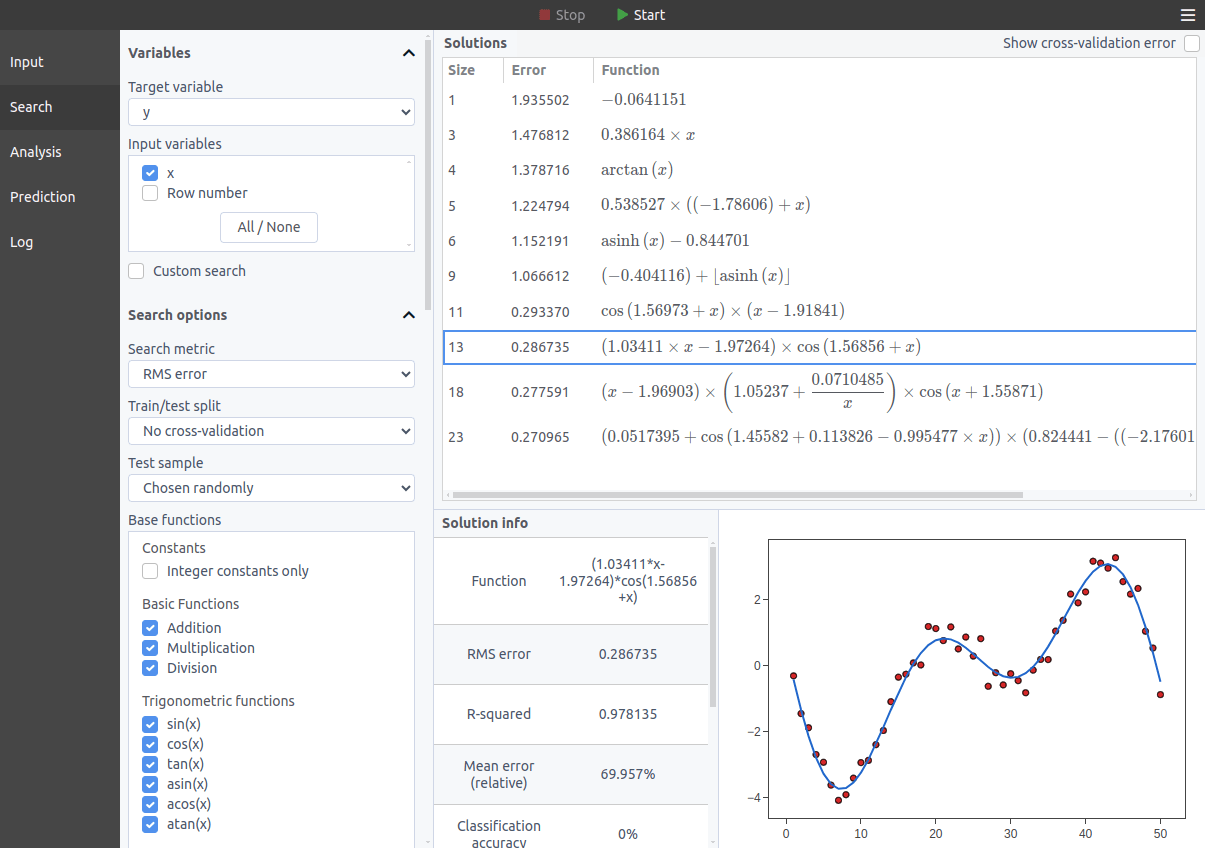
Load a CSV, pick the column you want predicted, and search. You get a list of equations ranked by error against complexity, and you choose which trade-off you want. Native Apple Silicon and Intel builds, signed with an Apple Developer ID and notarized.
Download TuringBot for MacSee pricing
What happened to CurveExpert on the Mac
The announcement is dated 20 January 2024. It is short: the products would not launch on an M2 Mac, the developer had no Apple Silicon hardware to debug on, and both were end-of-lifed on the platform. The announcement gives no migration instructions. The current releases are CurveExpert Pro 2.7.3 and GraphExpert Pro 1.6.0, and the download page no longer lists macOS.
That leaves Mac users looking for somewhere to go. This page is about one option.
What carries over
If you used CurveExpert to compare candidate equations rather than to fit one you had already chosen, that is the part TuringBot replaces. You load data, it works out which equation describes it, and you pick from ranked results:
- You do not specify the model. Load a CSV, choose the column to predict, start the search.
- Multiple input variables. The search can use several predictors at once and work out which of them matter.
- Results ranked by accuracy against complexity, so you can pick the simplest equation that is accurate enough.
- Native Apple Silicon and Intel builds, signed with an Apple Developer ID and notarized, so they install like any other Mac application.
- Export to Python, C, C++ or LaTeX.
What does not carry over
Worth knowing before you download, because for some jobs CurveExpert was the better tool and TuringBot will not replace it.
- No library of named equations. CurveExpert can tell you it fitted a "Gaussian" or a "MMF model". TuringBot returns an expression, not a name from a catalogue.
- No confidence intervals on fitted parameters. If the parameter values are your result and you report uncertainties on them, keep a least-squares tool.
- No publication graphics. CurveExpert Professional produces publication quality plots with extensive customization. TuringBot plots results so you can see the fit, and stops there.
- No project file import. There is no way to open a CurveExpert project. Data moves across as CSV.
How the two find an equation
CurveExpert fits the coefficients of each candidate equation to your data and ranks the results. The candidates come from its built-in library, and you can add your own, including models written as Python functions. It is a good approach and a large library covers a lot of ground.
TuringBot builds candidate expressions from the operators you allow and searches over their structure as well as their coefficients. Nothing has to be pre-enumerated, so the form it returns does not have to exist in any library or be written by hand. The workflow differences are listed above.
Side by side
| CurveExpert Professional | TuringBot | |
|---|---|---|
| macOS | Discontinued January 2024 | Apple Silicon and Intel, notarized |
| Windows and Linux | Yes | Yes |
| Finds the equation for you | Ranks built-in and user-defined models | Searches expression structures |
| Named models | Yes | No |
| Parameter confidence intervals | Yes | No |
| Multiple input variables | Yes | Yes |
| Automation | Plug-ins, and models definable as Python functions | Command line and Python library |
| Try before buying | Free trial, then purchase | Free version, all platforms |
Moving your data across
Which route you take depends on whether CurveExpert still opens.
- You still have the original spreadsheet or CSV. Start from that file and skip the rest.
- CurveExpert still runs somewhere. Export the data from there as CSV or tab-separated text.
- You only have a project file and nothing will open it. TuringBot cannot read CurveExpert projects. The data has to come out through a working CurveExpert installation on Windows or Linux first, and only the numbers transfer, not the fits or the graphs.
Whichever route, the file wants one variable per column with the names in the first row. Load it into TuringBot, select the column you want predicted, and start the search. Results appear while the search runs and improve as it continues.
A few formatting rules, because the parser is strict: save as .csv or .txt, use a decimal point rather than a decimal comma, and avoid currency symbols, percent signs, thousands separators and parentheses around numbers. Use underscores rather than spaces in column names.
Trying it
The free version needs no signup or credit card, and it is the same search engine as the paid one. Pricing covers the paid licenses.
If you would rather see the method applied to a real engineering correlation first, there is a worked example recovering a heat transfer equation from noisy data, with the dataset and raw output attached so you can check it.