Automatically discover mathematical equations.
Give it a table of numbers and it returns the formulas behind them, from the simplest fit to the most accurate. Readable equations, not black-box weights, from a native app with nothing else to install.
Free for datasets up to 200 rows and 5 columns. No signup.
 Windows
 macOS
 Linux
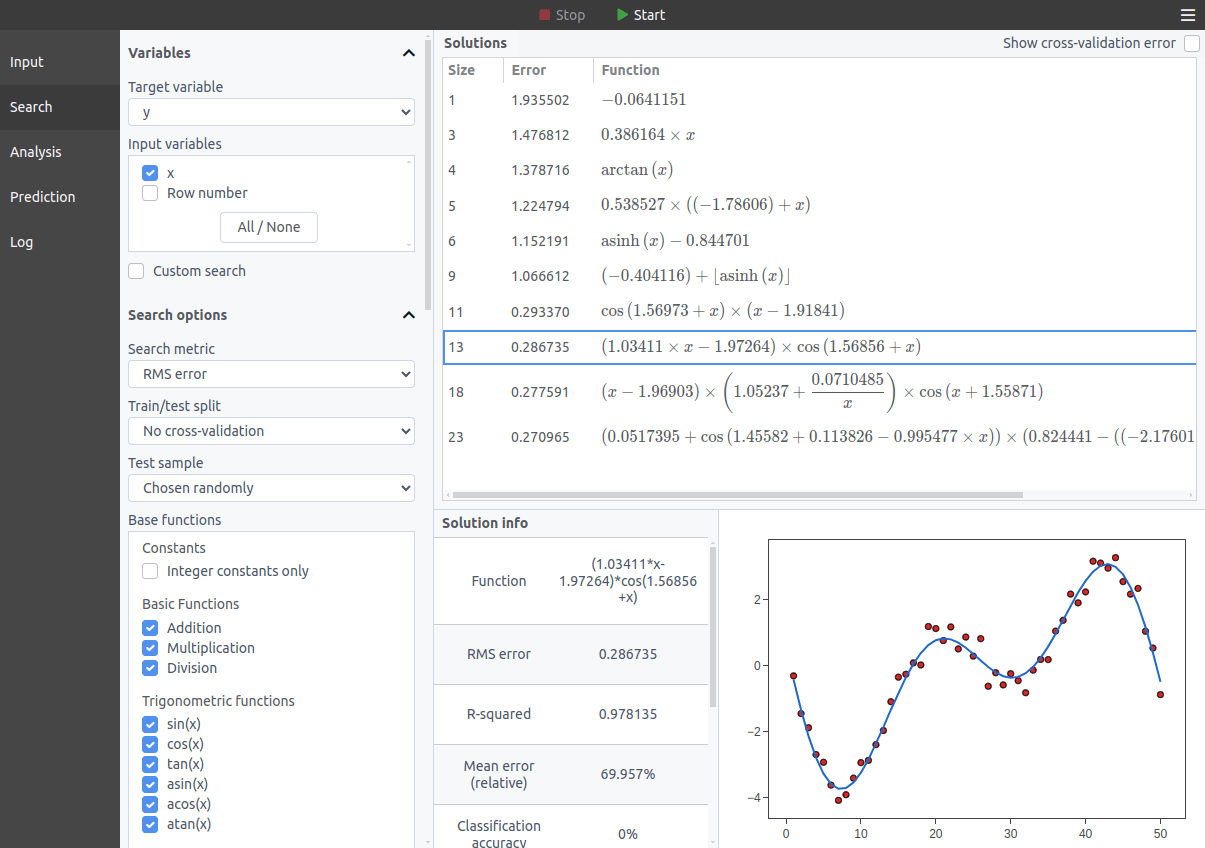
Turn your data into formulas that actually make sense
TuringBot uses Symbolic Regression to find the formula behind your data: a real equation you can read, audit, and put in a paper.
| Size (complexity) | RMS error | Formula |
| 1 | 1.936 | −0.0641 |
| 3 | 1.477 | 0.386 × x |
| 5 | 1.225 | 0.539 × x − 0.962 |
| 7 | 1.141 | ⌊asinh(x)⌋ |
| 8 | 0.293 | (1.918 − x) × sin(x) |
| 12 | 0.275 | −1.094 × (1.896 − x) × (−0.0451 − sin(x)) |
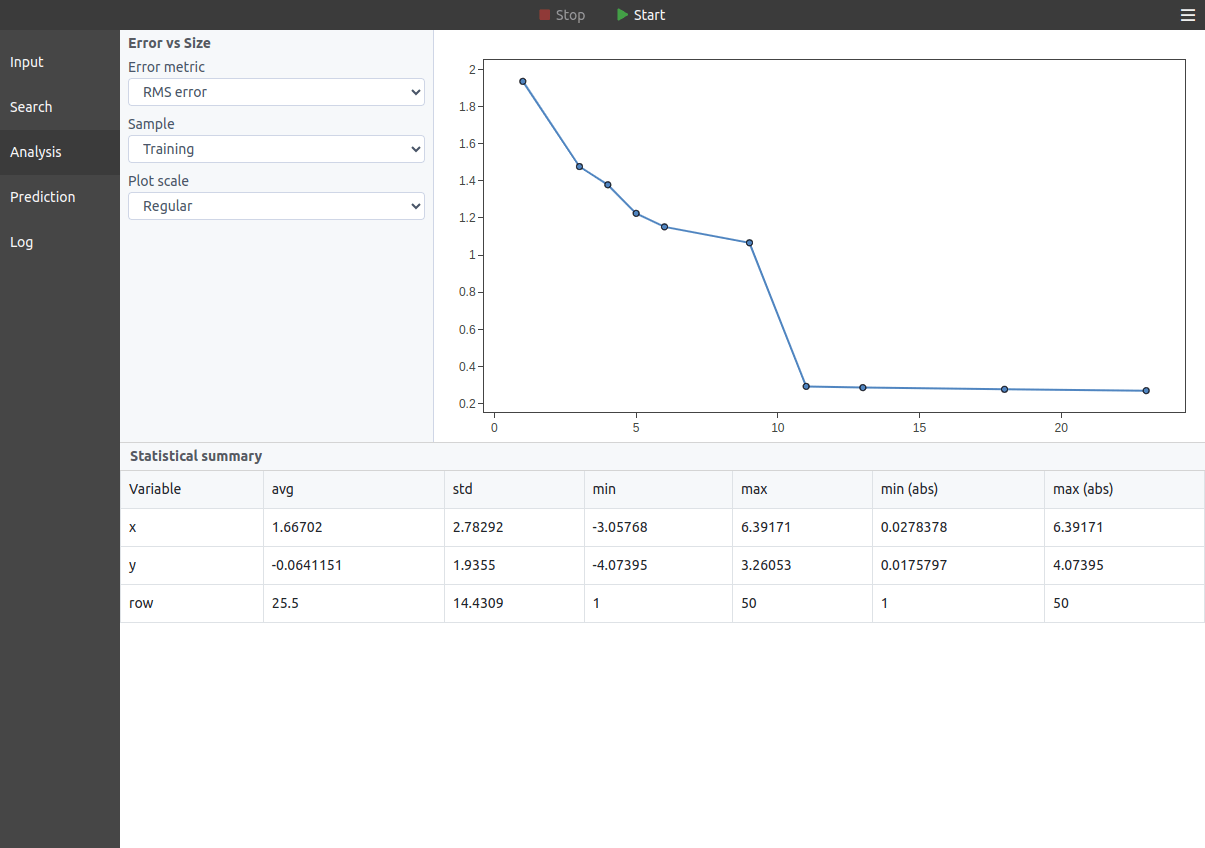
Up to size 7 the error never gets below 1.14. At size 8 it falls to 0.293: that is where the structure is. Past that, extra terms buy little, and you pick the trade-off between simplicity and accuracy.
Why choose TuringBot?
- No model to choose: Unlike classical curve fitting, you do not have to pick the equation form in advance. The search finds the structure and the coefficients together.
- One fast native binary: Pure C++, with its own search algorithm: simulated annealing, not the genetic programming most symbolic regression tools use. It starts in seconds, with nothing to set up: no Python environment, no Conda, no Docker.
- Configurable and scriptable: Define your own search options, including base functions, constants, error metrics, and formula templates. A full command-line interface and a Python library (see the tutorial) drop it into scripts and pipelines, with a scikit-learn estimator for compatibility.
- A working alternative to Eureqa: Eureqa was acquired by DataRobot and is no longer commercially available, while TuringBot has shipped updates since 2020. A 2020 paper found that TuringBot performs noticeably better than Eureqa on physics-inspired problems, including some Eureqa could not solve at all (arXiv:2010.11328).
- Version 4.0: A rebuilt search engine, about 3x faster than the previous version. In 1-minute searches on the SRBench physics problems, it finds the exact formula almost twice as often as the previous version. See the changelog.
What people use it for
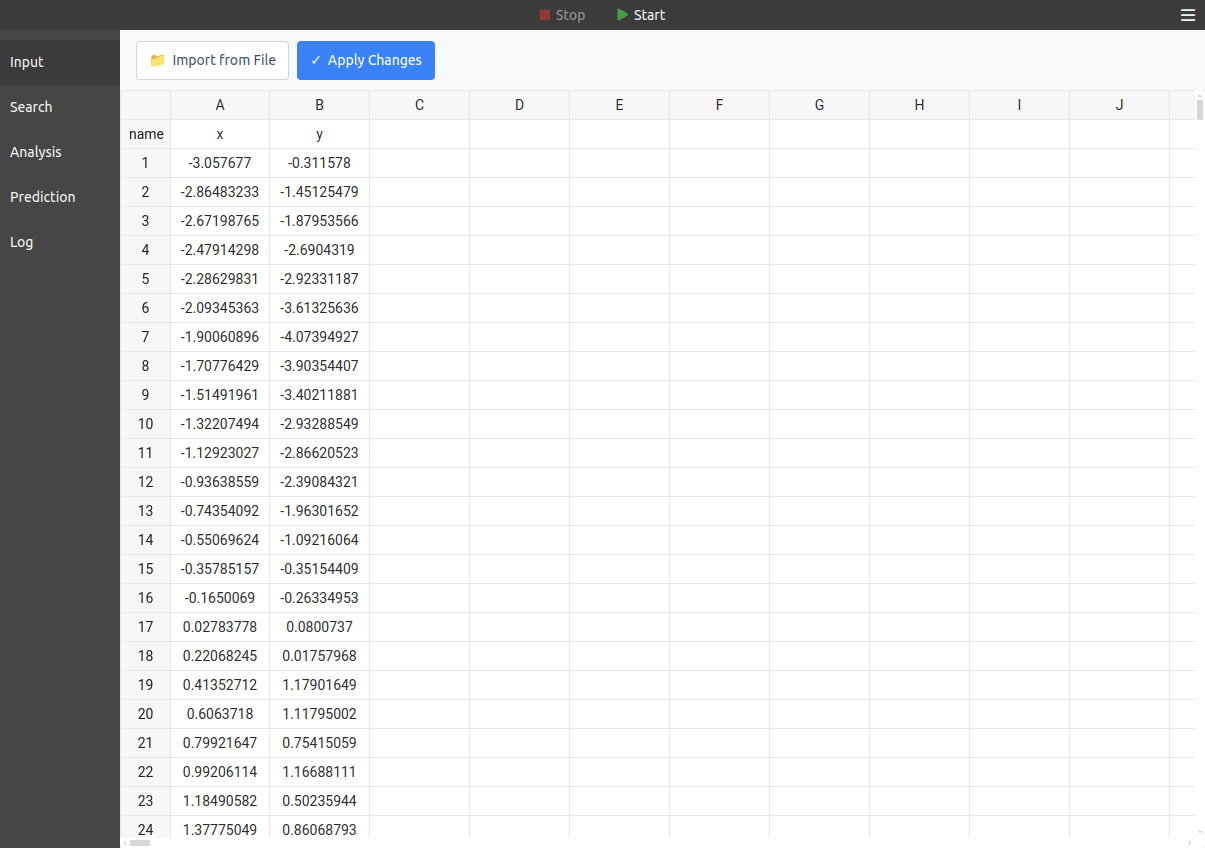
If you can frame it as y = f(x₁, x₂, …, xₙ), TuringBot can find the formula. Paste your data into the built-in spreadsheet or import a TXT/CSV file, then start the search. A few of the published works that cite TuringBot, by topic:
It also does classification, where the formula outputs 0 or 1 (predicting rare events, finding a decision boundary). For a step-by-step regression walkthrough, see this tutorial.
Academic publications
If you use TuringBot in your research, you can cite it as:
TuringBot Software (2020). TuringBot: Symbolic Regression Software [Computer software]. https://turingbotsoftware.com.
How does it work?
TuringBot implements a technique called symbolic regression: it combines base functions into simple formulas that predict a target variable from one or more input variables. What is optimized is the formula itself, and not just the numerical constants of some assumed model, with a search driven by simulated annealing.
There are 40 base functions (arithmetic, trigonometric, exponential and logarithmic, hyperbolic, logical, history functions like delay and moving average, erf and gamma), plus any custom functions you define. The search can optimize 15 error metrics for regression and classification, like RMS error, maximum error, mean relative error, Nash-Sutcliffe efficiency, RMSLE, F-score and Matthews correlation, or a custom metric. All the options are in the documentation, and here is an example input file to try: input.txt.
Is TuringBot free?
Yes. TuringBot is free forever for datasets of up to 200 rows and 5 columns, using up to 2 CPU threads, with all the core features, no credit card and no signup. Download it, load your data, and see what it finds. For unlimited rows and variables, paid licenses are on the Pricing page.
Find the Formula Behind Your Data
Free for datasets up to 200 rows and 5 columns. No signup.